
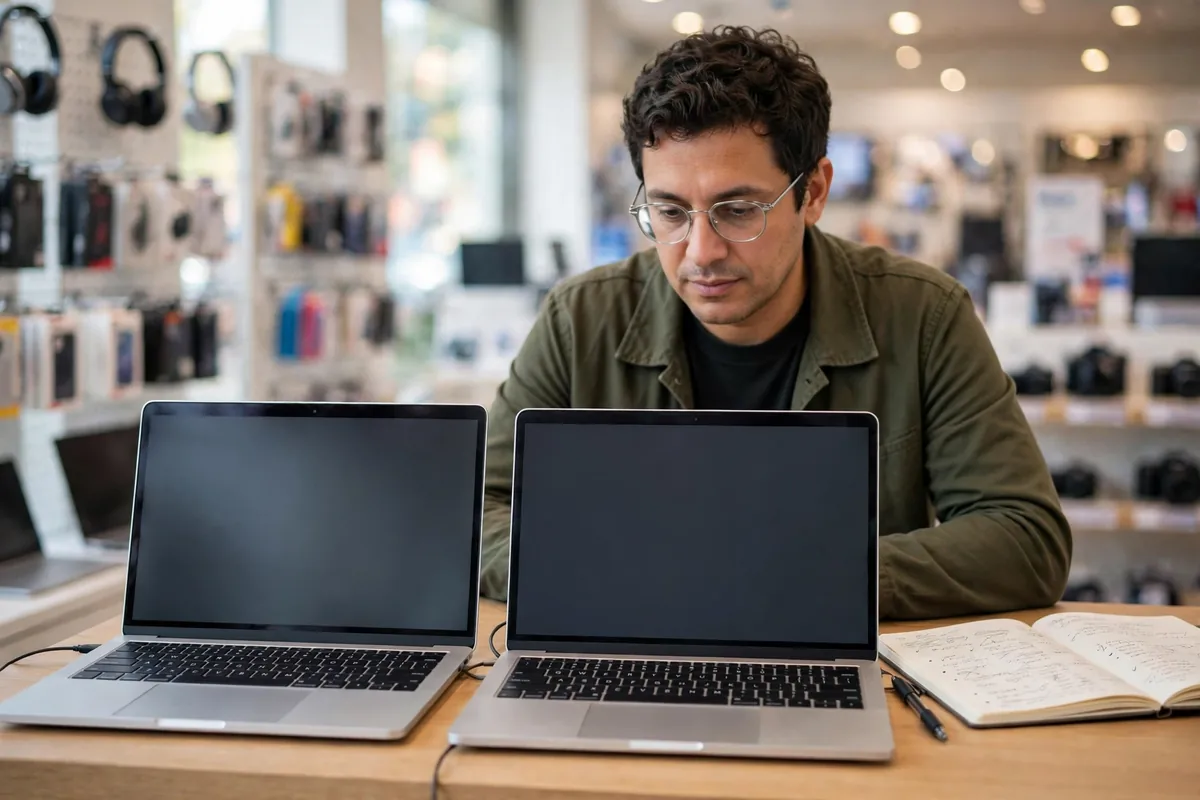
Walk into any electronics store and a wall of nearly identical laptops stares back, separated by prices that make no obvious sense. Learning how to choose a laptop starts with ignoring most of the wall. Your jobs, student coursework, or gaming habit should write the specification list, not a salesperson or a spec sheet. This guide shows you how, step by step.
The method is simple: name your main use, set a budget around it, then check five things in order: processor, memory, storage, screen, and battery. Get those right and almost any brand will serve you well. Get them wrong and even an expensive machine will annoy you daily, which is why knowing how to choose a laptop matters more than choosing a brand.
How to Choose a Laptop Starts With the Job: Work, School, or Gaming
For office work and school, your day is browsers, documents, video calls, and note-taking. Almost any modern laptop handles that, so your money should go to comfort: a good keyboard, a bright screen, and strong battery life. Students should also weigh durability and weight, because a laptop that lives in a backpack lives a harder life than one on a desk.
Gaming and creative work are different sports. Games, video editing, and 3D work demand a dedicated graphics card and better cooling, which means heavier machines and higher prices. Buyers in this group should decide their must-play games or must-run software first and shop backward from its requirements. Remote workers setting up properly, much like owners following how to start a business in the USA, do best by listing real tasks before touching a catalog.
The Five Specs That Actually Matter
The processor (CPU) is the brain; for everyday use, a current mid-range chip from Intel, AMD, or Apple is plenty, and last year’s models are often bargains. Memory (RAM) decides how much you can juggle at once: 8 GB is the floor for light use, 16 GB is the comfortable standard for work and school, and 32 GB suits heavy multitasking, coding, and creative work.
Storage, screen, and battery
- Storage: choose an SSD, 512 GB for most people; 256 GB fills fast with photos and games.
- Screen: 13 to 14 inches balances portability and comfort; brightness matters more than ultra-high resolution for most users.
- Battery: look for all-day claims from independent reviews, not box copy, especially if you work away from outlets.
- Ports and keyboard: check for the ports you actually use, and type on the keyboard before buying if you can.
Laptops for Work
Professionals should prioritize reliability, a quality webcam and microphone for meetings, and enough RAM to keep dozens of tabs and apps open without drama. Business lines from major brands add sturdier builds and better warranties, which is money well spent when the laptop is your livelihood. The tool habits behind digital marketing strategy for small business assume exactly this kind of dependable daily machine, as does the broader shift in digital transformation in business services, where the laptop is now the office.
Accessories complete a work setup without replacing the machine. Many people pair their laptop with the best noise-canceling headphones under $200 for calls and focus, a cheap external mouse, and cloud storage so a lost laptop is an inconvenience rather than a catastrophe.
Laptops for School
Students live on battery life and durability. A lightweight 13 or 14 inch machine with 16 GB of RAM and 512 GB of storage is the sweet spot for most degrees, handling research, writing, coding basics, and streaming between lectures. Chromebooks deserve consideration for younger students and tight budgets, since they are cheap, simple, and fine for browser-based schoolwork, though they struggle with specialized software some courses require.
Check the course requirements before buying. Engineering, design, and film programs often specify Windows machines or particular graphics power, while most humanities and business courses do not care at all. Buying to the syllabus beats buying to the advertisement, a lesson as true here as when comparing services in what fintech is and how it changes business.
Laptops for Gaming
Gaming laptops are defined by the graphics card (GPU). Choose the GPU for the games and settings you want, then make sure the cooling and screen match it: a fast graphics card deserves a high-refresh-rate screen. Expect more weight, more fan noise, and shorter battery life; that is the physics of the category, not a flaw in a particular model.
Also budget for the ecosystem around the machine. Fast storage for big game libraries, a decent mouse, and audio you enjoy, whether speakers or the headphone route above, complete the setup. Players following the rise of AI apps as personal assistants will also notice gaming hardware increasingly doubles as AI hardware, since the same graphics power drives both.
Operating Systems in One Honest Paragraph
Windows offers the widest software and gaming compatibility and the most price variety. macOS, on Apple laptops, offers excellent battery life, build quality, and integration with iPhones, at higher prices and with limited gaming. ChromeOS is the budget and simplicity champion for browser-based work. None is universally best; your software list decides, which is the entire philosophy of how to choose a laptop in one sentence.
Ports, Keyboards, and the Details Reviews Skip
Spec sheets rarely mention the things your hands notice daily. A keyboard with shallow, mushy keys will tire a writer or student long before the processor feels slow, and a glossy screen that reflects every window makes outdoor work miserable. Check the port selection against your real life: an HDMI port saves dongle chaos for presentations, an SD reader delights photographers, and enough USB ports ends the daily unplugging ritual. Webcam quality, once an afterthought, now decides how professional you look in every meeting.
Weight deserves the same honesty. A laptop that is fine on a desk becomes a burden in a bag carried across a campus or an airport. If you will travel with it weekly, every half pound matters more than a small spec advantage you will never feel.
Where and When to Buy
Timing quietly controls price. Back-to-school season and the major holiday sales bring the deepest discounts on mainstream models, and new model launches push last year’s stock down further. Refurbished programs from the manufacturers themselves offer near-new machines with real warranties, an option worth serious attention on a budget. Buying online makes comparison easy, and the seller’s perspective in how to start an ecommerce business in the USA explains why return policies matter so much on big purchases: choose retailers whose return window lets you live with the machine before committing.
Finally, think about the laptop as one piece of a working life. People building income through side hustle ideas often upgrade in stages: the reliable laptop first, then the extras as earnings allow. The same staged, evidence-based thinking appears in technology’s role in financial growth and even in home setups built around innovative smart home devices: buy the foundation well, add luxuries later, and let real use, not advertising, write the shopping list.
Avoiding the Two Classic Buying Regrets
Regret number one is buying too little storage and memory to save a small amount of money, then living with a cramped, slowing machine for four years. RAM and SSD size are the two specs that decide how a laptop ages, and both are cheap at purchase and expensive or impossible to upgrade later on many modern models. When the budget forces a choice, feed these two first and let the processor be merely good.
Regret number two is the opposite: buying a gaming-class powerhouse for email and documents, then carrying its weight, heat, and short battery life everywhere as a daily reminder. Power you never use is not future-proofing; it is a tax on every trip. Buy for the life you actually live, with one honest step of headroom, and the machine will feel right for years.
Frequently Asked Questions
How much should I spend on a laptop for work or school?
Most people are well served in the mid-range, where 16 GB of RAM and a 512 GB SSD are standard. Spending more buys build quality, screen, and battery more than raw speed for everyday tasks.
Is 8 GB of RAM enough in 2026?
For very light use, yes, but it is the minimum, not the recommendation. Browsers and video calls eat memory quickly, and 16 GB keeps a laptop feeling fast for years longer.
Should I buy last year’s model?
Often, yes. Laptop performance improves gradually, and last year’s mid-range model at a discount frequently beats this year’s budget model in screen, build, and battery.
Key Takeaways
Knowing how to choose a laptop means letting your real tasks lead: processor and RAM for your workload, an SSD with room to grow, a screen and battery that fit your day, and an operating system your software supports. Decide those five things before you look at brands, and the wall of identical machines turns into a short list with an obvious winner.