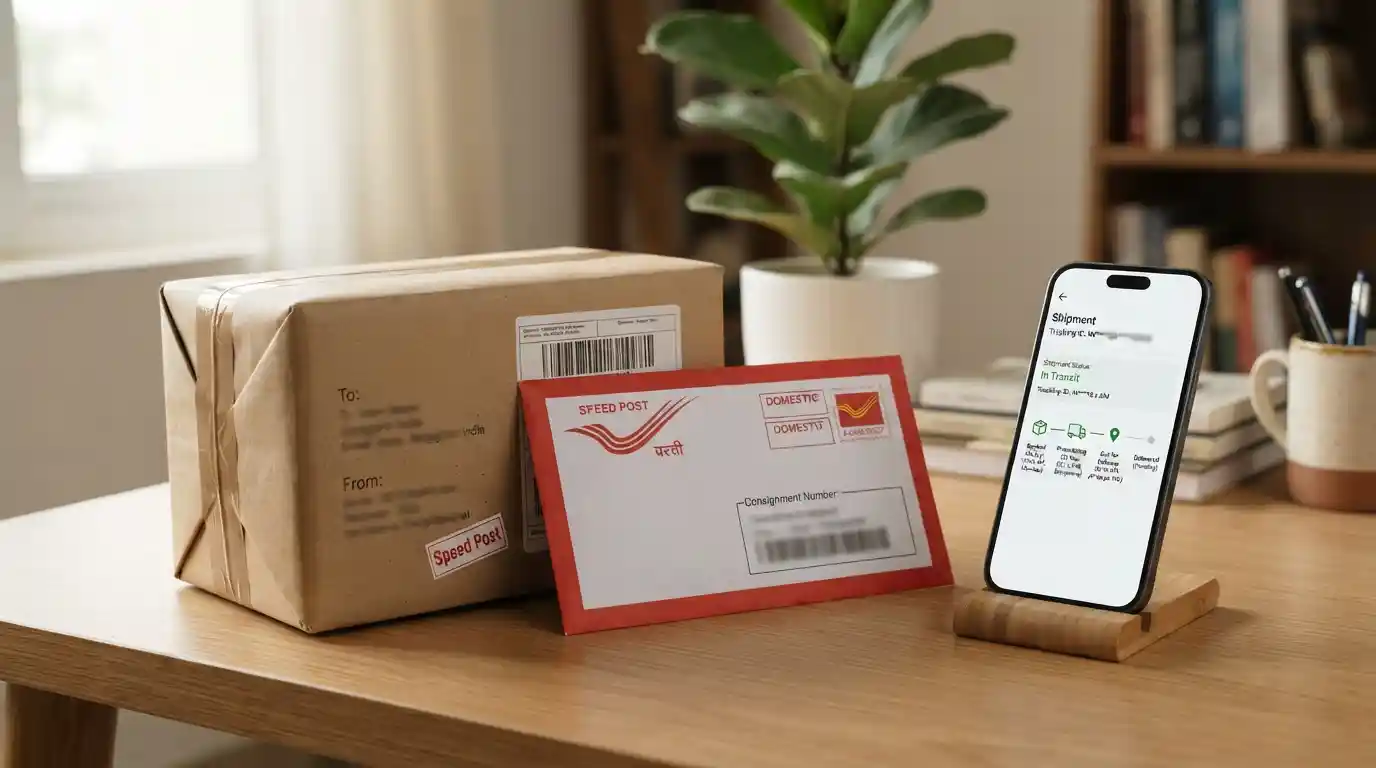
This guide explains how to track India Post Speed Post online, understand common tracking messages, find your consignment number, troubleshoot missing updates, and respond when a shipment is delayed.
What Is Speed Post Tracking?
Speed Post is a postal service operated by India Post for sending documents and parcels. Tracking provides shipment-related status information as a consignment moves through the postal network.
Every trackable booking is associated with a consignment number. Entering that number into the appropriate tracking facility allows you to view the status information available for the shipment.
Tracking updates can help individual senders, online shoppers, students, professionals, and businesses understand where a shipment may be in the delivery process. However, a tracking event does not always show the parcel’s exact physical location in real time.
How to Track India Post Speed Post Online
Follow these steps to check your consignment status:
- Find your consignment number. Check the booking receipt or the shipment information provided by the sender.
- Open the tracking facility. Use the official India Post tracking option available through its website or digital services.
- Enter the number carefully. Type the complete consignment number exactly as shown on your receipt, including any letters.
- Complete the requested verification. If a security check appears, follow the instructions on the page.
- Submit your tracking request. Review the status and any available dates, processing events, or delivery information.
- Save the result if needed. Keep a record of the consignment number and the latest status for follow-up.
If the system does not display a result, verify the number before trying again. A newly booked shipment may not show tracking events immediately.
Where Can You Find Your Speed Post Consignment Number?
The consignment number is the key information needed to track a shipment. You can usually find it in one of these places:
- Booking receipt: Check the receipt issued when the item was accepted for posting.
- Sender’s confirmation: Ask the person or business that booked the shipment to share the tracking number.
- Shipment notification: Review any booking confirmation or dispatch message that includes the consignment details.
- Business records: If a company sent the item, its dispatch or customer-service team may be able to retrieve the number.
Do not confuse a shopping order number, invoice number, or payment reference with the postal consignment number. These identifiers may be different.
Understanding India Post Speed Post Tracking Status
Tracking messages describe events recorded during processing and delivery. The exact wording can vary. Use the status displayed for your consignment rather than assuming that every shipment follows an identical sequence.
| Tracking status | What it generally means | What you should do |
|---|---|---|
| Booked or Item Booked | The shipment has been accepted and its booking has been recorded. | Keep the consignment number and check again as it moves through processing. |
| Dispatched | The item has been recorded as dispatched from a processing or postal facility. | Wait for the next scan or movement update. |
| Received at Office | A postal office or processing location has recorded the item’s arrival. | Check later for dispatch or onward movement. |
| In Transit | The shipment is moving through the postal network or awaiting its next recorded event. | Monitor the tracking record and compare it with the expected delivery period. |
| Out for Delivery | The item has entered the delivery stage. | Keep the delivery address accessible and ensure someone can receive the item if required. |
| Delivered | The system records the shipment as delivered. | If you have not received it, check with the recipient, household, reception desk, or relevant delivery office. |
| Delivery Attempted | A delivery attempt has been recorded, but delivery may not have been completed. | Review any available instructions and contact the relevant postal office if necessary. |
| Returned or Return to Sender | The item is being returned or has entered a return process. | Contact the booking or delivery office to understand the recorded reason and next steps. |
These explanations are general interpretations, not a guarantee that every India Post tracking page will use the exact labels shown above.
How Long Does Speed Post Take to Deliver?
Delivery time depends on the origin and destination, distance, service conditions, booking time, processing requirements, and circumstances affecting transport or delivery. A shipment travelling between nearby locations may follow a different timeline from one moving across several regions.
For a more detailed discussion of delivery timelines, read our guides to how long Speed Post takes to deliver and Speed Post delivery time in days.
Use any estimated delivery period as a guide rather than a guaranteed arrival date. If the shipment has passed its expected timeframe without meaningful movement, check the latest tracking record and contact the appropriate postal office.
Why Is My Speed Post Tracking Not Updating?
A tracking record may remain unchanged for a period even when a shipment is progressing through the network. The displayed information depends on recorded events and when those events become available to the tracking system.
Common reasons for missing updates
- Recent booking: The first tracking event may take time to appear after the item is accepted.
- Time between scans: A new event may not be recorded at every point during transport.
- Processing delays: High mail volumes, operational constraints, or local disruptions may affect movement.
- Incorrect number: A missing character or typing error can prevent the system from finding the item.
- System availability: Temporary technical issues may prevent the tracking page from displaying current information.
- Delivery-office processing: The latest recorded event may not yet reflect a subsequent handling or delivery step.
First, recheck the number against the original receipt. Then try again later. If the lack of updates continues beyond the expected delivery period, retain your booking details and ask the relevant postal office to investigate.
What to Do If Speed Post Shows Delivered but You Have Not Received It
A delivered status can be confusing when the intended recipient cannot locate the item. Before assuming that the shipment is lost, take the following steps:
- Confirm that the consignment number belongs to the expected shipment.
- Check the delivery date and any additional information displayed in the tracking record.
- Ask household members, reception staff, or an authorized recipient whether they accepted the item.
- Verify that the address supplied at booking was correct.
- Contact the relevant delivery post office or India Post customer-support channel and request a delivery-status check.
- Keep your booking receipt, tracking details, and any communication about the shipment available for follow-up.
For an important document or time-sensitive shipment, report the discrepancy promptly and keep a record of the complaint or enquiry details.
How to Track Speed Post Without a Consignment Number
Online tracking normally requires the consignment number. If you no longer have it, check the booking receipt, messages from the sender, or the dispatch records of the business that sent the item.
If the number cannot be recovered, contact the booking office or the sender with the available booking details. They may be able to help locate the relevant transaction, subject to their records and verification procedures.
A recipient’s name or address alone may not be enough to retrieve a shipment through an online tracking form. Avoid entering personal details into unrelated tracking websites.
Can You Track Speed Post on a Mobile Phone?
Yes. You can check tracking information using a mobile browser if the tracking facility is accessible on your device. Keep the consignment number ready, open the tracking page, enter the number, and review the returned status.
For a smoother experience:
- Use a stable internet connection.
- Check the number for typing errors before submitting it.
- Keep a note or screenshot of the status when you need to follow up.
- Avoid sharing full receipts or personal shipment details publicly.
- Use trusted services and be cautious of pages that request unnecessary payment or sensitive information just to display a tracking result.
Speed Post Tracking for Businesses and Online Sellers
Businesses often use postal services to send documents, customer orders, application materials, and other shipments. Tracking can help dispatch teams respond to customer questions, identify delivery exceptions, and maintain better shipment records.
Companies handling frequent consignments can improve their processes by recording tracking numbers against order IDs, keeping dispatch receipts, reviewing delayed shipments regularly, and communicating realistic delivery expectations to customers.
These practices fit into broader logistics management and supply-chain coordination. Businesses can also explore supply-chain efficiency, modern logistics management, and freight and transport operations for a broader view of shipment handling.
Tracking is useful for visibility, but it should not replace a documented process for handling complaints, verifying delivery, and following up on exceptions.
Speed Post Tracking vs. Delivery Confirmation
Tracking and delivery confirmation serve related but different purposes. Tracking displays available shipment events as the item moves through the network. A delivery status indicates that the system has recorded a delivery event.
Neither should be interpreted beyond the information actually shown. If you need proof for a formal, business, or legal purpose, ask the postal service which delivery record or documentation is available for your particular booking.
Common Speed Post Tracking Problems and Solutions
| Problem | Recommended action |
|---|---|
| Tracking number is not found | Check every character and allow time for a newly booked item to appear. |
| Status has not changed | Check again later and contact the postal office if the delay persists. |
| Expected delivery date has passed | Review the latest event and raise an enquiry with the booking or destination office. |
| Delivery attempt is recorded | Review any available instructions and ask the delivery office about the next step. |
| Shipment is marked delivered incorrectly | Request a delivery-status investigation and retain your consignment details. |
| Consignment number is missing | Ask the sender or booking office to help recover the number from available records. |
Tips for a Better Speed Post Tracking Experience
- Keep the booking receipt until the shipment has been received.
- Save the consignment number in a secure place.
- Check the tracking page before contacting customer support.
- Record the dates of important status changes.
- Use the expected delivery period to decide when to follow up.
- Give the postal office accurate booking details when raising an enquiry.
- For business shipments, connect each consignment number to the correct order or dispatch record.
Frequently Asked Questions About Speed Post Tracking
How can I track my India Post Speed Post consignment online?
Use the India Post tracking facility, enter the consignment number shown on your booking receipt, complete any requested verification, and submit the request to view available shipment events.
What is a Speed Post consignment number?
It is the identifier associated with a postal booking and is used to retrieve tracking information for that shipment.
Why does my Speed Post tracking show no information?
The number may have been entered incorrectly, the booking may be recent, or tracking information may not yet be available. Verify the number and try again later.
Can I track Speed Post using the recipient’s name?
Standard online tracking generally requires the consignment number. If it is unavailable, ask the sender or booking office whether the number can be recovered from its records.
What does “Out for Delivery” mean?
It generally means the item has reached the delivery stage. It does not, by itself, confirm that the recipient has received it.
What should I do if Speed Post is delayed?
Check the latest status, compare it with the expected delivery period, and contact the relevant postal office if the item remains delayed or the tracking record does not progress.
What if my consignment is marked delivered but has not arrived?
Check with other possible recipients at the address and then request a delivery-status investigation from the relevant postal office.
Can I check Speed Post tracking on my phone?
Yes. A mobile browser can be used to access the tracking facility when it is available. Enter the consignment number carefully and review the result.
Does tracking show the exact location of my parcel?
Not necessarily. Tracking generally displays recorded processing, movement, and delivery events rather than continuous GPS-based location information.
Should I keep my Speed Post receipt after delivery?
Yes. Keeping the receipt and consignment number until the delivery is confirmed can help if you need to make an enquiry later.
Final Thoughts
Speed Post tracking makes it easier to follow the recorded progress of an India Post consignment, from booking through processing and delivery. The most important step is to keep your consignment number accurate and review the latest available status before deciding what to do next.
If tracking is delayed, the number cannot be found, or delivery appears incorrect, retain your booking details and contact the appropriate postal office for assistance. Consistent record-keeping and timely follow-up can make the process easier for both individual senders and businesses.