It looks like a normal email from your bank, your boss, or a delivery company. Then one click hands your password to a stranger. Learning how to spot phishing emails is one of the most useful digital skills you can build, because these messages are designed to slip past busy people. This guide shows you the warning signs, in plain language.
Phishing emails pretend to be from a trusted sender. Their goal is to make you click a fake link, open a dangerous attachment, or reply with private information. The good news is that nearly every phishing message gives itself away somewhere, if you know where to look.
Check the Sender’s Real Address
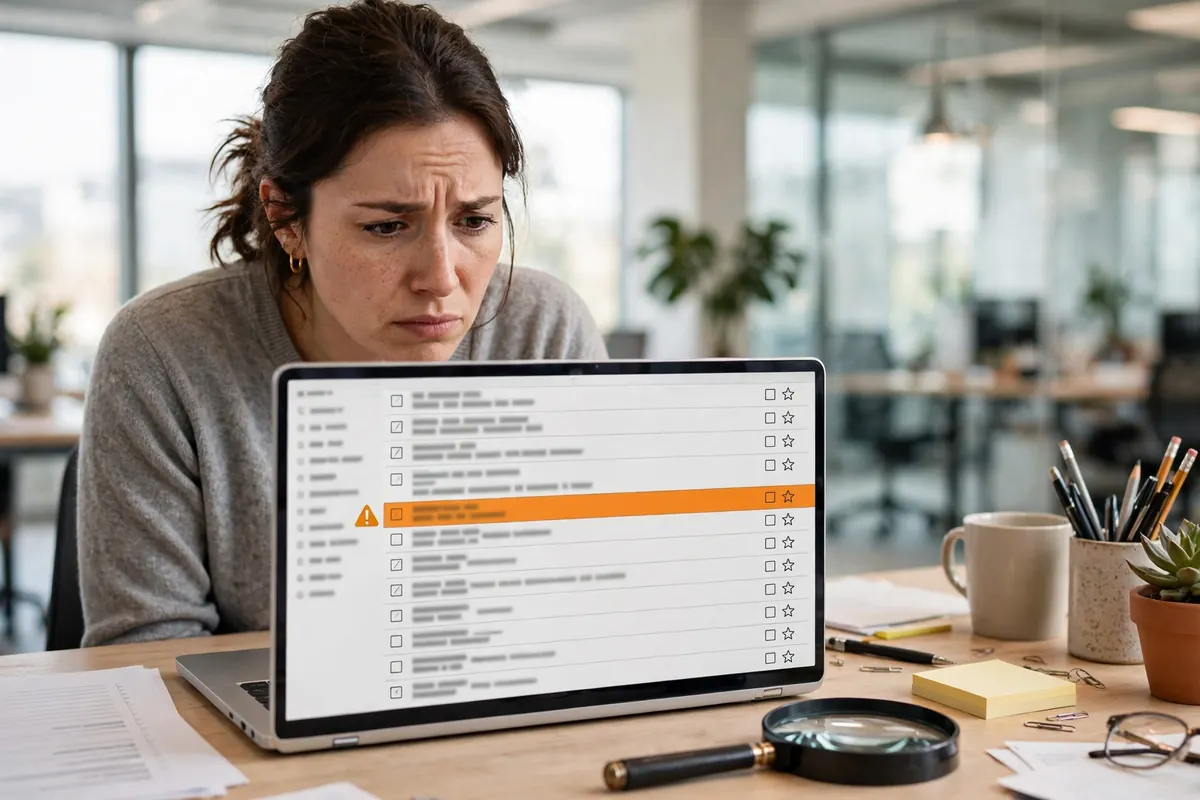
The display name can say anything, so look at the actual email address. A message claiming to be from your bank but sent from a random string of letters, a free email account, or a domain with one letter changed is a classic fake. On a phone, tap the sender’s name to reveal the full address before trusting anything in the message.
This habit matters most for money messages. Modern banking runs through connected systems, as explained in what fintech is and how it is changing business, and criminals copy the look of those systems carefully. The address bar and sender domain are harder to fake than a logo.
Watch for Pressure and Urgency
Phishing thrives on panic. Subjects like “Your account will be closed today,” “Unusual sign-in detected,” or “Payment failed, act now” are written to make you click before you think. Real companies rarely demand instant action by email, and they never punish you for taking a minute to verify.
Other emotional tricks to notice
- Greed: refunds, prizes, or gift cards you never applied for.
- Curiosity: vague claims about a photo, document, or mention of you.
- Authority: messages pretending to be your CEO or a government office.
- Fear: threats of fines, arrest, or account loss with a tight deadline.
Inspect Links Before You Click
Hover over a link on a computer, or press and hold on a phone, to see where it really goes. If the visible text says your bank’s name but the destination is a strange domain full of hyphens and numbers, do not click. When in doubt, open a new tab and type the company’s address yourself, or use its official app.
Shoppers should build this reflex. If you buy through stores like those in how to start an ecommerce business in the USA, you will get endless order and shipping emails, and fakes copy them well. The same caution protects your money in digital payment wallet accounts, where fake “payment problem” emails are one of the most common lures.
How to Spot Phishing Emails by Their Writing and Requests
Many phishing emails contain small errors: odd spelling, clumsy grammar, or a generic greeting like “Dear customer” instead of your name. Polished fakes exist too, so treat good writing as no guarantee. The bigger tell is the request itself. Legitimate companies do not ask you to email back your password, card number, or one-time code, ever.
Businesses face targeted versions of these attacks, often aimed at whoever pays invoices. Owners should pair staff awareness with the risk planning in small business insurance basics and the operational care behind small business bookkeeping, because one fake payment email can redirect a very real transfer.
What to Do When a Message Feels Wrong
Stop, and do not click, download, or reply. Report the message using your email provider’s phishing or spam button, which helps protect everyone. If the email claims to be from a company you use, contact that company through its official website or the number on your card, not the number in the email.
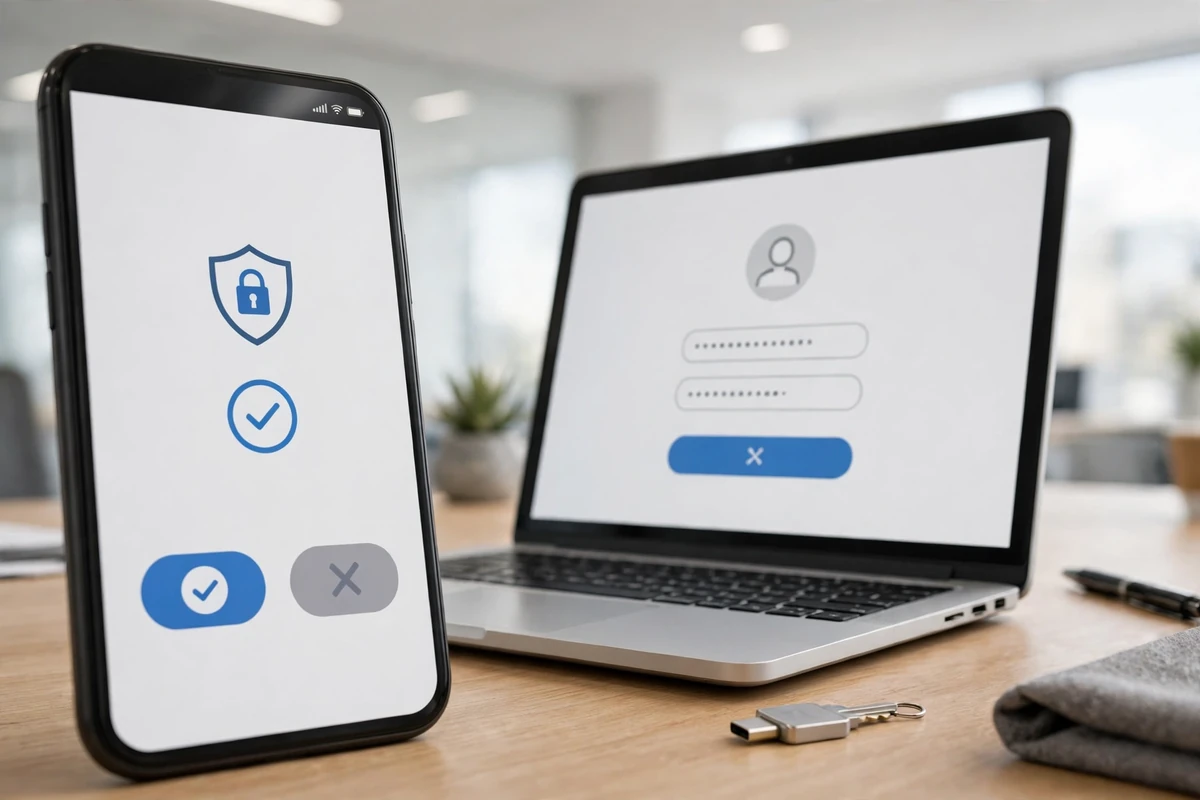
If you already clicked and entered details, act fast: change that password from a clean device, turn on two-factor authentication, and watch the account for strange activity. Companies modernizing their tools, like those in digital transformation in business services, practice this drill because minutes matter after a mistake.
Why Phishing Keeps Getting Harder to Spot
Criminals now use AI to write clean, personalized messages at scale. The trend behind tools like AI apps acting as personal assistants cuts both ways: the same technology that drafts your emails drafts the fakes. Broader coverage of technology reshaping finance notes how quickly these tactics spread, and even careful readers, from shoppers to people researching cryptocurrency options, get targeted with convincing copies of real services.
The defense is a habit, not a product. Slow down, verify the sender, check the link, and go to the source yourself. Even the connected gadgets in articles like smart ceiling fan technology come with account emails worth protecting the same way, and anyone launching a venture through starting a business in the USA should make this training part of day one for every employee.
Real-World Phishing Examples to Learn From
Consider the delivery scam. A text or email says a package could not be delivered and asks you to confirm your address through a link, sometimes with a small redelivery fee. The page looks like a real courier site but exists only to harvest card details. Real couriers let you track through their official app, and they do not charge surprise fees by text message.
Then there is the invoice trick aimed at businesses. A convincing email, apparently from a regular supplier, announces new bank details for the next payment. The writing is perfect because the criminals studied earlier invoices. Companies defeat this by calling a known number to confirm any bank change, every time, no exceptions.
A third classic is the shared-document lure: “A document has been shared with you.” It leads to a pixel-perfect fake sign-in page for your email or cloud account. Enter your password and the attackers own your mailbox within minutes, which is why checking the page’s real address before typing anything is such a valuable reflex.
A 30-Second Checklist Before You Click
When any message asks you to act, run this quick scan. One: does the sender’s real address match the organization? Two: is the message pushing urgency, secrecy, or fear? Three: where does the link actually lead? Four: is it asking for a password, code, or payment in an unusual way? Five: can you verify the request through an official app or a number you already trust?
If even one answer feels wrong, stop. Legitimate senders survive a verification step; scams depend on you skipping it. Thirty seconds of checking is a tiny price for keeping your accounts, your money, and your identity where they belong: with you.
Teaching Family and Coworkers the Same Habits
Your own inbox may be safe while the people around you stay exposed. Older relatives are heavily targeted with bank and government impersonation scams, and a short, patient walkthrough of the warning signs protects them better than any lecture about technology. Show them how to reveal a sender’s real address, and agree on a simple family rule: any message asking for money or codes gets a phone call first.
At work, culture beats policy documents. Teams that share near-miss stories without blame spot fakes faster, because everyone has seen fresh examples. If your workplace has no reporting habit, start one: forward suspicious messages to whoever handles IT, and mention it in team meetings when a good fake makes the rounds.
Children need a version of the same lesson. Game scams promising free currency or rare items are phishing aimed at kids, harvesting account logins instead of card numbers. Teaching them that free offers asking for a password are always fake builds the reflex early, long before their first bank account.
Finally, keep your software updated. Many phishing campaigns succeed only because the victim’s browser or phone had an old, known flaw that a malicious page could exploit after the click. Automatic updates close those holes quietly in the background, which means the occasional click that slips past your judgment is far less likely to turn into a full account takeover or an infected device.
Frequently Asked Questions
Can phishing arrive by text or phone call too?
Yes. The same tricks appear in texts (sometimes called smishing) and calls (vishing). The defense is identical: slow down, verify independently, and never share codes or passwords.
What if the email uses my real name?
Names leak in data breaches and appear on social media, so a personal greeting proves nothing. Check the sender address, the link destination, and the nature of the request instead.
Is it safe to open a phishing email?
Simply opening one is usually low risk on modern devices. The danger comes from clicking links, downloading attachments, or replying. Report it and delete it without interacting further.
Key Takeaways
Knowing how to spot phishing emails comes down to a few seconds of skepticism: check the real sender, distrust urgency, inspect links, and never share passwords or codes. Build that pause into your routine and the most common online scam loses most of its power over you and your business.