Your phone number, photos, location, and buying habits all travel further than you might think. Learning how to protect privacy online is not about paranoia; it is about a handful of practical habits that sharply reduce how much of your life is tracked, stored, and sold. This guide keeps it simple and jargon-free.
You do not need to quit the internet or buy expensive software. Most protection comes from settings you already have: stronger passwords, tighter app permissions, and a bit more skepticism about what you share. Work through the steps below and you will be far harder to track or trick than the average user.
How to Protect Privacy Online: Start With Accounts and Passwords
Weak, reused passwords are the front door for most account takeovers. Use a long, unique password for every important account, and let a reputable password manager remember them for you. At minimum, make your email, banking, and social accounts unique, because your email can reset almost everything else.
Money apps deserve the same care. The trade-offs discussed in the pros and cons of digital payment wallets apply here too: convenience is real, but an unlocked wallet account is an open purse. Lock financial apps with a PIN or biometrics, and review which devices are signed in.
Turn On Two-Factor Authentication
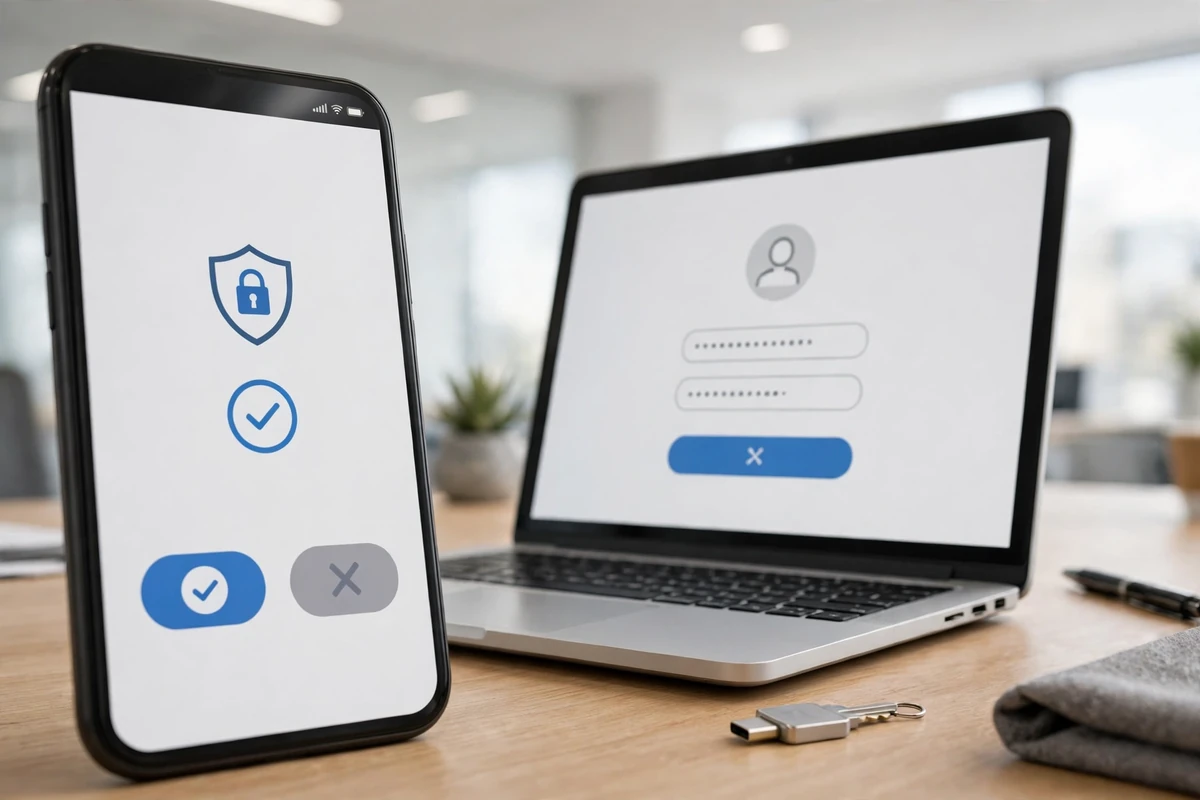
Two-factor authentication adds a second check, usually a code or app approval, after your password. Turn it on for email, banking, social media, and shopping accounts first. It is one of the highest-value steps in any plan for how to protect privacy online, because a stolen password alone stops being enough.
Businesses should require it as well. Companies modernizing their systems, like those described in digital transformation in business services, treat two-factor sign-in as a baseline, not a bonus, because staff accounts guard customer data too.
Control What Apps and Websites Collect
Apps ask for far more access than they need. A flashlight app does not need your contacts, and a game does not need your precise location. Review permissions on your phone every few months and switch off anything that does not make sense. On the web, reject optional cookies when a site asks, and consider a browser that blocks trackers by default.
Quick permission checklist
- Location: allow only while using the app, or never, for most apps.
- Contacts and photos: share selectively, not by default.
- Microphone and camera: revoke for apps that do not clearly need them.
- Ad tracking: turn off personalized ads in your phone’s privacy settings.
Be Careful What You Share Publicly
Oversharing is a privacy leak you control completely. Vacation countdowns tell burglars when your home is empty, and quizzes that ask for your first pet or childhood street can mirror common security questions. Post travel photos after you return, and think twice before sharing children’s school names or daily routines.
Physical security and digital privacy overlap more than people expect. The same caution behind home security services that protect your home applies to smart devices: change default passwords on cameras and routers, and keep their software updated so known flaws get patched.
Protect Your Money and Identity
Financial privacy means limiting who can see or move your money. Check bank and card statements monthly for small unfamiliar charges, which often test whether a stolen card works. Freeze your credit with the major bureaus if you are not actively borrowing; it is free in the US and blocks new accounts in your name.
These habits matter because so much commerce now runs through connected systems, a shift explained in what fintech is and how financial technology is changing business. The more services hold your data, the more valuable basic hygiene becomes. The same logic powers tools like technology platforms reshaping financial growth, which depend on users trusting how their information is handled.
Shop and Sell With Privacy in Mind
Online shopping asks for emails, addresses, and card details at every turn. Use guest checkout where possible, pay with a credit card or wallet rather than a debit card for stronger dispute rights, and avoid saving card details on sites you rarely use. If you sell online yourself, the setup steps in how to start an ecommerce business in the USA come with a responsibility to protect your customers’ data just as carefully.
Small firms should also know their obligations when something goes wrong. The coverage questions raised in what small business insurance actually covers increasingly include cyber incidents, and a privacy problem can become a legal and financial one quickly. Preparation, in other words, is cheaper than cleanup.
Everyday Habits That Quietly Help
A few smaller habits round out how to protect privacy online. Keep your phone and computer updated, since updates patch security holes. Back up important files so ransomware or theft is an inconvenience, not a disaster. Use a VPN on public Wi-Fi in airports and cafes. Finally, remember that connected gadgets collect data too, from the systems in smart ceiling fan technology to the RFID technology behind automated parking; give each new device a strong password and check its privacy settings once, at setup.
Privacy for Families and Shared Devices
Privacy gets trickier when devices are shared. A family tablet signed into one person’s email and photo library exposes everyone who uses it. Set up separate profiles where the device allows it, and keep the main accounts of adults protected with their own passwords and two-factor sign-in. For children, use the built-in parental controls to limit app downloads, contacts, and location sharing.
Smart TVs, speakers, and game consoles also collect viewing and voice data. Spend ten minutes in each device’s settings turning off ad personalization and voice-recording storage. It is dull work, but it happens once, and it quietly reduces how much household life gets recorded and analyzed.
What to Do After a Data Breach
Sooner or later, a company you use will announce a breach. When that happens, change the affected password immediately, and change it anywhere you reused it. Turn on two-factor authentication if you had not already. Then watch the related accounts closely for a few months, because stolen details often get used later, not right away.
If payment details were involved, tell your bank and consider a replacement card. If you run a company, the response matters even more: the steps in starting a business in the USA include building the kind of records and responsibilities that make a breach survivable instead of fatal. Honest, fast communication with affected customers protects both them and your reputation.
Signs your data may already be exposed
- Password reset emails you did not request.
- Login alerts from cities or countries you have never visited.
- Small unfamiliar charges testing a stolen card.
- Friends receiving strange messages from your accounts.
Reading Privacy Policies Without Falling Asleep
Nobody reads full privacy policies, but you can scan one in two minutes for the parts that matter. Look for what data is collected, whether it is sold or shared with advertisers, how long it is kept, and how to delete it. If a free service’s policy talks endlessly about “partners” and “personalized experiences,” understand the trade: your attention and data are the product being sold.
Prefer services that make deletion easy and explain themselves in plain language. Where a setting offers a choice between convenience and collection, such as saving your location history or voice recordings, the privacy-friendly option is usually one tap deeper in the menu. Checking these settings twice a year, when you change phones or after big app updates, keeps your earlier decisions from quietly resetting.
Finally, teach the habit at home. Children and older relatives are often the most tracked and the least protected people in a household. A short, kind conversation about passwords, sharing, and stranger messages does more than any single app you could install for them.
One more place worth a look is your web browser itself. Clear out extensions you no longer recognize, since abandoned add-ons can be sold and quietly turned into trackers. Set your browser to clear cookies when it closes, or use separate browser profiles for banking and everyday browsing so a problem in one place does not follow you into the other.
Frequently Asked Questions
What is the single most important privacy step?
Unique passwords plus two-factor authentication on your email and banking accounts. Those two habits block the most common ways accounts get taken over.
Does a VPN make me fully private?
No. A VPN hides your traffic from the local network and your internet provider, but websites can still track you through accounts and cookies. It is one useful layer, not complete invisibility.
Should I delete old accounts I no longer use?
Yes. Old, forgotten accounts hold personal data and often have weak passwords. Deleting them shrinks the amount of information that can leak in a breach.
Key Takeaways
Learning how to protect privacy online comes down to steady, simple habits: unique passwords, two-factor sign-in, tight permissions, careful sharing, and regular checkups. None of it requires expertise, and together these steps make your accounts, money, and personal life far harder for trackers and criminals to reach.