
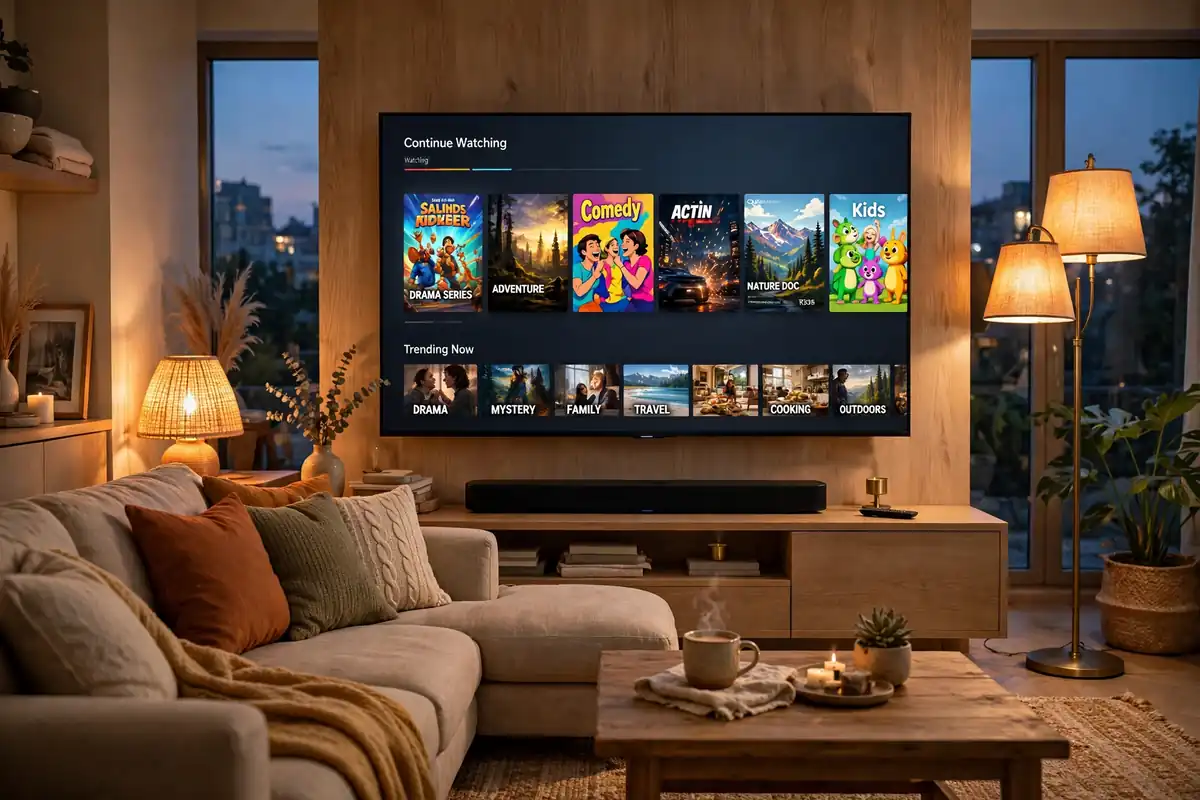
Walk into any electronics store and the wall of glowing screens can feel overwhelming. Every box shouts about processors, picture modes, and alphabet-soup technologies. If you are asking for a what is a smart tv features breakdown that actually helps you choose, you are in the right place. This guide explains what a smart TV is, which features genuinely change your viewing, and which ones are mostly marketing.
What Is a Smart TV? Features in Plain English
A smart TV is a television with built-in internet connectivity and an operating system that runs apps. Instead of plugging in a separate streaming box, you open Netflix, YouTube, Hulu, or Disney+ directly on the TV using your home Wi-Fi. Most smart TVs also include voice remotes, screen mirroring from your phone, and app stores for adding services.
The “smart” part is now standard, even on budget models. The real differences between TVs are picture quality, the speed and design of the software, sound, and gaming features. Understanding those differences is the key to spending wisely, much like knowing which smart home devices are worth it and which are gimmicks.
The Display: The Feature That Matters Most
Everything starts with the panel. The main types you will see are LED/LCD, QLED, and OLED. Standard LED TVs use a backlight shining through a liquid crystal layer. QLED adds a quantum dot film that improves color and brightness, which helps in sunny rooms. OLED pixels produce their own light, so blacks are truly black and contrast is excellent, especially for movies in dim rooms.
Resolution is simpler than it looks. Nearly every TV worth buying today is 4K, which is sharp enough for typical viewing distances. 8K sounds impressive, but there is very little 8K content to watch, so it rarely justifies its price. Screen size, however, matters a lot. A bigger screen suited to your room will make you happier than a smaller premium model, an idea that also drives the planning in our basement entertainment center ideas.
HDR: Brighter Highlights, Deeper Color
HDR, or high dynamic range, improves the gap between the darkest and brightest parts of the picture. Good HDR makes fireworks sparkle and shadows keep their detail instead of turning into gray mush. Formats include HDR10, HDR10+, and Dolby Vision. In practice, the TV’s brightness and panel quality matter more than which logo is on the box, but Dolby Vision support is a nice bonus since many streaming services use it.
Be cautious with very cheap TVs advertising HDR. A dim panel cannot deliver real HDR impact even if it accepts the signal. This is one area where reading a hands-on review of sound and picture together pays off, similar to our audio-focused Definitive Technology CLR 2300 home audio review.
Refresh Rate and Gaming Features
Refresh rate describes how many times per second the picture updates, measured in hertz. A native 60Hz panel is fine for news, shows, and most movies. Sports fans and gamers benefit from 120Hz, which makes motion smoother and gameplay more responsive.
Gamers should look for HDMI 2.1 ports, variable refresh rate (VRR), and auto low latency mode (ALLM). These features let modern consoles deliver their best performance. Be wary of inflated “effective refresh rate” numbers in ads; the native panel rate is the honest figure. If gaming is a priority in a shared living space, think about the whole room setup too, from seating to the comfort touches like smart ceiling fans that keep long sessions comfortable.
The Smart Platform: Your Daily Experience
The operating system decides how pleasant the TV is to use every day. The main platforms are Google TV, Roku TV, Amazon Fire TV, Samsung’s Tizen, and LG’s webOS. All of them carry the major streaming apps. The differences are speed, how cluttered the home screen feels, how good the search is, and how aggressively the platform promotes content.
Voice control is now common and genuinely useful for searching across services. If you already use smart assistants at home, you will feel at home quickly, as our coverage of AI assistant apps shows how normal voice-driven control has become. Also confirm the TV gets software updates, since apps evolve and older, abandoned platforms can lose services over time.
Sound: The Most Overlooked Feature
Thin TVs have thin speakers, and dialogue can sound muddy even on expensive models. Many buyers are happiest when they budget for a soundbar. You do not need a huge system; even a modest soundbar is a big step up for voices and movie effects. Private listening is another option, and our roundup of the best noise-canceling headphones under $200 includes models that pair with TVs for late-night viewing.
Check that the TV has an HDMI eARC port, which sends high-quality audio to a soundbar and lets the TV remote control its volume. It is a small spec that makes daily life much simpler.
Connections and Everyday Details
Count the HDMI ports before you buy. Consoles, streaming sticks, cable boxes, and soundbars add up fast, and three or four ports is a sensible minimum. An ethernet port is worth using if your router is nearby, because a wired connection is more stable than Wi-Fi for 4K streaming.
Also look at the remote. Backlit buttons, a simple layout, and quick-launch keys for your main services get used every single day, unlike many headline features. Wall mounting is another practical point: check the VESA pattern and whether the ports stay reachable once the TV is on the wall. If you need mounting help, vet installers the same way you would using home services reviews, and check whether your plan, like the Constellation home service plans some homeowners carry, covers installation visits.
Features You Can Safely Skip
Some advertised extras rarely earn their price. Curved screens have mostly disappeared for good reason. Built-in cameras add cost and privacy questions for a feature few people use. Fancy motion-smoothing modes, often on by default, make movies look like soap operas; most viewers prefer them off. Store-brand “AI picture” claims vary wildly and should never outweigh panel quality and brightness in your decision.
Your living room itself matters more than most of these extras. Lighting, seating distance, and glare control shape the experience, which is why the styling advice in our home decor ideas guide is a surprisingly useful companion to TV shopping. And when the TV is off, your screen can double as decor with art modes, or you can head out for the real thing using a guide to local movie lineups like our AMC movie lineup roundup.
Privacy Settings Worth Changing
Smart TVs can collect viewing data through a technology often called automatic content recognition, which identifies what you watch and shares summaries with the manufacturer for advertising. You can limit or turn this off in the privacy or terms settings of most major platforms, and it is worth the two minutes it takes. While you are there, review voice-assistant settings and decide whether the microphone features should stay on. None of this stops the TV from working normally; your apps, channels, and picture settings stay exactly the same. Treating the TV like any other connected device in the house, with the same care you give your phone, keeps the convenience without giving away more information than you intend.
A Simple Buying Checklist
- Room first: measure viewing distance, then pick the biggest quality screen that fits.
- Panel: OLED for movie lovers in dim rooms, bright QLED or LED for sunny spaces.
- HDR: prioritize real brightness and Dolby Vision support over logo counts.
- Gaming: 120Hz, HDMI 2.1, and VRR if you play on modern consoles.
- Platform: choose the interface you find fastest and least cluttered.
- Sound: plan for a soundbar and confirm eARC is included.
Frequently Asked Questions
Do I need a separate streaming device with a smart TV?
Usually not. Built-in apps cover the major services. Some people still add a streaming stick later if they prefer a different interface or their TV’s software slows down with age.
Is OLED worth the extra money?
If you watch a lot of movies or games in a light-controlled room, OLED’s contrast is hard to beat. In a very bright room, a high-quality QLED may actually look better and cost less.
How long do smart TVs stay updated?
It varies by brand. Major manufacturers typically support their platforms for several years. Buying a current model from a well-known brand is the safest bet for long-term app support.
What size TV should I buy?
For 4K, a common guideline is a screen that fills roughly 30 to 40 degrees of your view. In most living rooms that means 55 to 75 inches, but your seating distance decides.
The Bottom Line
A smart TV is simply a TV with streaming built in. The features that actually matter are the panel, brightness and HDR performance, the right refresh rate for your habits, a platform you enjoy using, and a sound plan. Skip the gimmicks, size the screen to your room, and you will end up with a TV that still makes you happy years from now.